
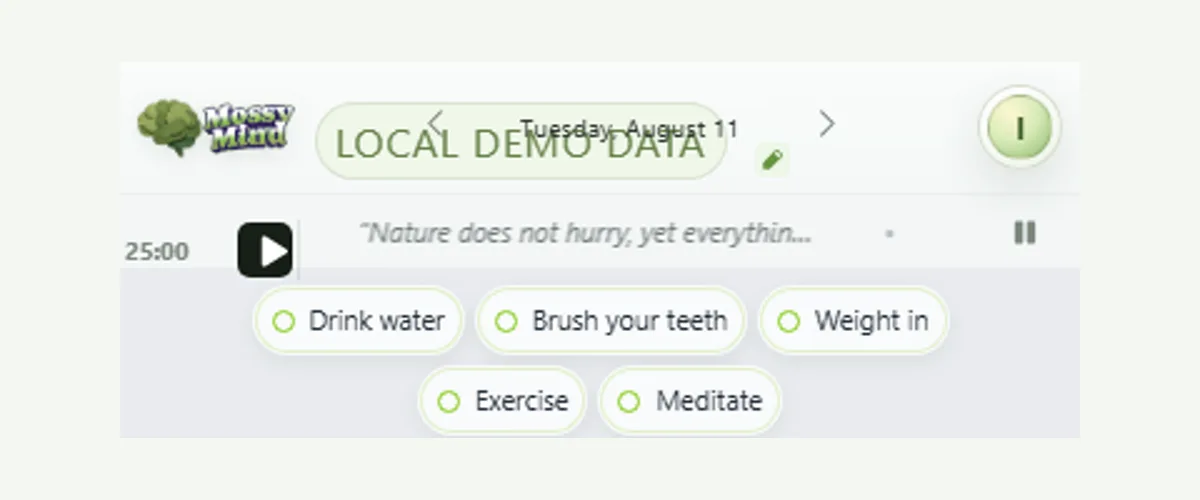
A timer cannot create motivation or treat ADHD. It can make time visible and give a work period a clear edge. MossyMind’s timer can attach to a real task, uses adjustable work and rest lengths, and stays in a dedicated strip beside the calm quote ribbon.
Name the work before starting the clock
Select “Focus on this task” from a task menu. The timer then shows the task name, which reduces the chance that a work interval quietly turns into unrelated browsing or reorganizing. Completing the selected task clears the focus link.
Use a length you can actually enter
Twenty-five minutes is a convention, not a biological requirement. Start with a shorter interval when beginning feels expensive. Use a longer interval when interruption would cost more than the boundary helps. MossyMind lets account settings hold different work and rest lengths.
Treat the break as information
When the interval ends, notice what happened. Continue if the task has momentum and continuing is safe. Rest when attention or physical comfort needs it. Shorter focus periods with movement breaks are one example of an individualized environmental modification in NICE guidance, but that does not prove one timer pattern works for every adult.
Keep the timer quiet when it is not helping
Pause it. Clear the selected task. Change the interval next time. The timer is a boundary tool, not a score, streak, or judgment about effort.
Run one task-linked focus experiment
- Open the menu on the task you intend to work on.
- Choose Focus on this task so the session keeps the task name attached.
- Set a work and rest length in account settings that fits the task.
- Start the session and use the boundary; pause when continuing would be unhelpful or unsafe.
- At the bell, continue, rest, adjust the interval, or leave a return note.
Research behind this guide
This research explains the ADHD-related challenges discussed here. It does not prove that MossyMind changes ADHD symptoms.
- NICE guideline NG87 — ADHD diagnosis and management
Clinical guidance that includes individualized environmental modifications and non-pharmacological support.
- Metcalfe et al. — ADHD time-perception meta-analysis
Systematic review and meta-analysis of time-perception differences across the lifespan.