
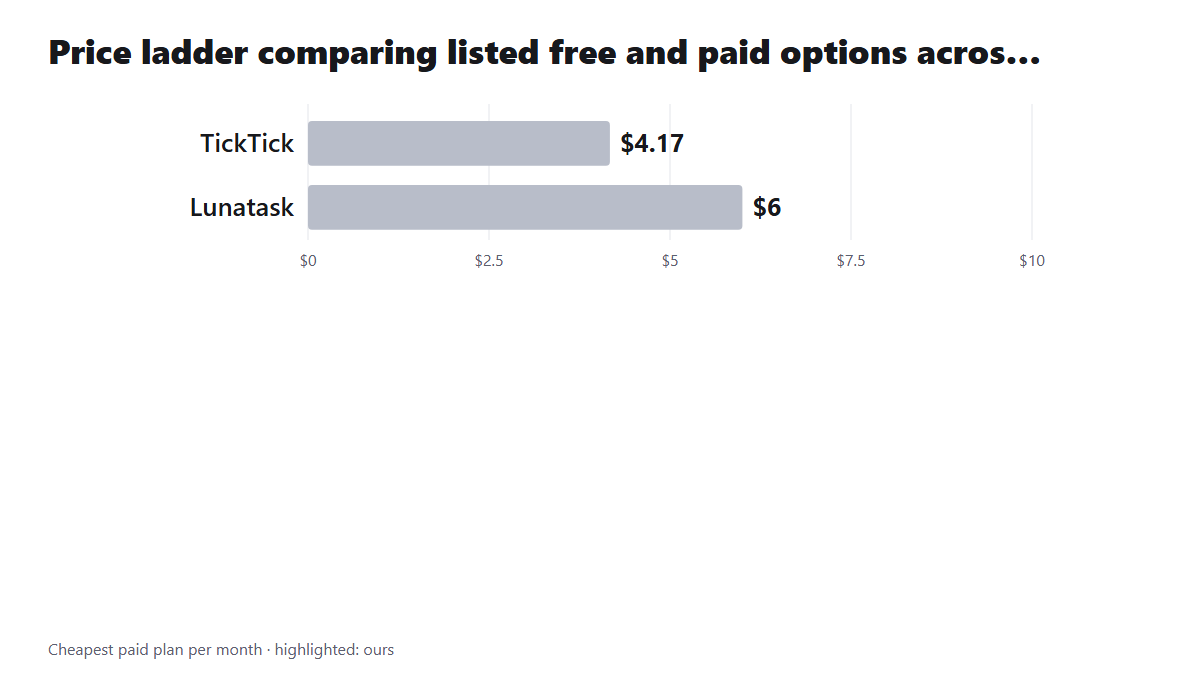
MossyMind combines editable next steps and focus tools with habits, goals and journaling. Tiimo lists visual planning, while TickTick and Lunatask list free plans.
How we chose and ranked these ADHD planner apps
We ranked MossyMind first because its feature description brings editable next steps, a task-linked timer, habits, goals and journaling together. This is a feature-based editorial ranking, not a health or outcome ranking. A listed timer is a feature, not evidence that a timer improves focus. A calendar connection matters most if calendar coordination is your priority; it matters less if you mainly want to break down a task.
| Rank / app | Best fit | Task breakdown | Focus timer | Calendar | Free option |
|---|---|---|---|---|---|
| 1. MossyMind | Tasks, habits, goals and journaling in one workspace | Three editable next steps; optional external AI requires consent to send only the selected task title to XT3 and OpenAI | Task-linked timer | — | — |
| 2. Tiimo | Visual planning | AI step-by-step plans listed | Focus timer listed | Sync listed with Tiimo Pro | Free option status not specified in supplied pricing data |
| 3. TickTick | Task management and listed free plan | — | Focus timer listed | Google Calendar integration listed | Free plan listed |
| 4. Lunatask | Tasks, habits, journaling and notes | — | Task timers listed on Free | Calendar integrations listed on Premium | Free plan listed |
| 5. Sunsama | Calendar-led planning | — | Pomodoro timer listed | Google, Outlook and Apple calendar sync listed | Free-forever plan not available, according to its pricing page (checked 2026-11-14) |
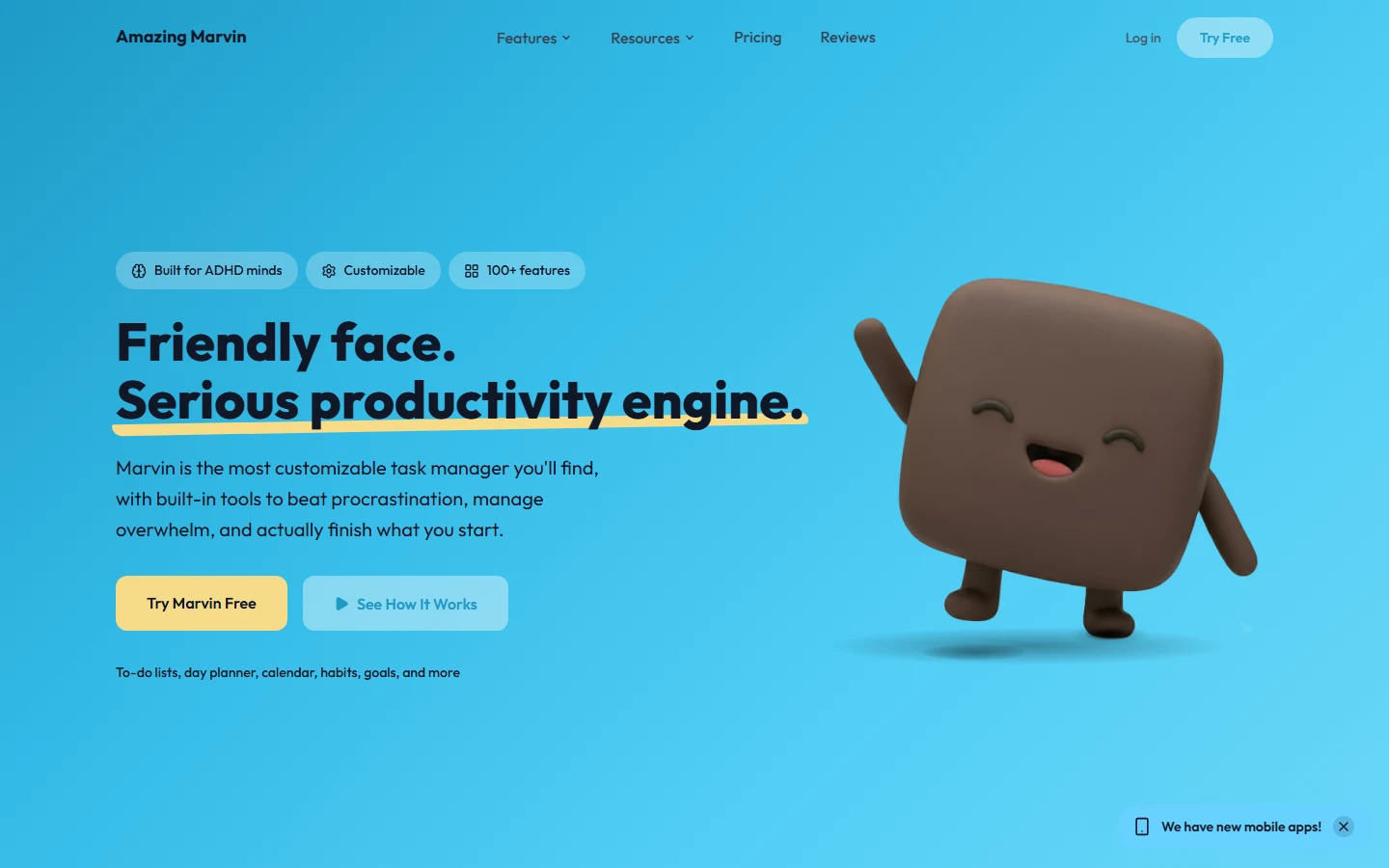
| 6. Amazing Marvin | Task breakdown and configurable timers | Task breakdown listed | Customizable timer intervals listed | — | Check the linked pricing page for plan details |
1. MossyMind: editable next steps and an all-in-one workspace
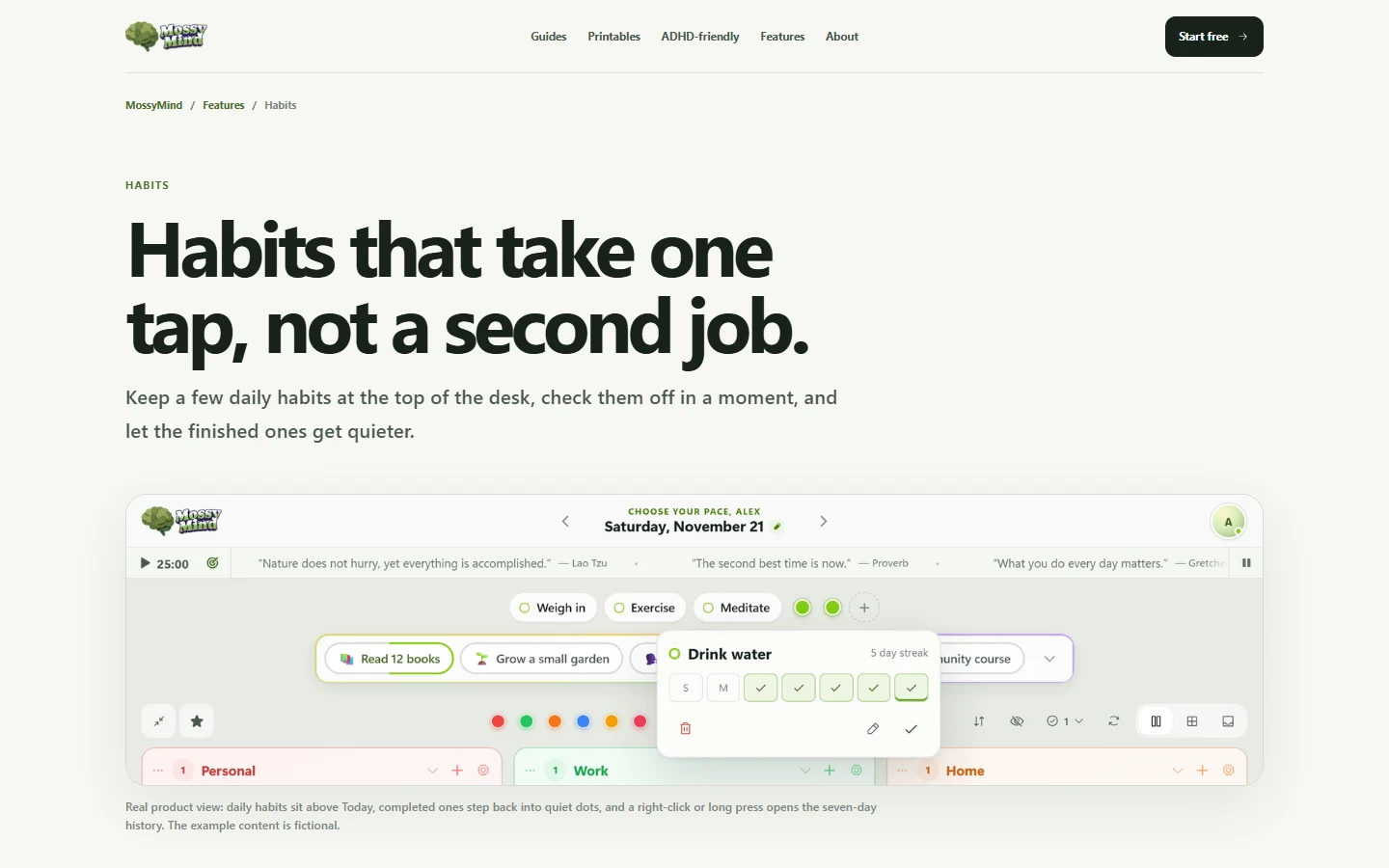
MossyMind brings tasks, habits, goals, journaling and focus tools into one workspace. Tasks can be grouped and scheduled, goals have steps, and the focus timer can be attached to a task. These are product capabilities, not claims about health effects. (MossyMind feature description, checked 2026-11-10: https://mossymind.me/.well-known/xt3-features.json.)
Unstick me offers three editable next steps saved as ordinary encrypted tasks and can start a five-minute focus session. Optional external AI requires consent to send only the selected task title to XT3 and OpenAI. The task-linked timer lets you set a work period from 1 to 180 minutes and a break from 1 to 60 minutes. That gives you a route from a task you have not started to a small editable action, while leaving the steps open to change. None of these features establishes a health benefit or treatment effect. (MossyMind feature description, checked 2026-11-10: https://mossymind.me/.well-known/xt3-features.json.)
If an existing calendar connection or a listed free tier is the deciding factor, compare the options below before choosing. (MossyMind feature description, checked 2026-11-10: https://mossymind.me/.well-known/xt3-features.json.)
2. Tiimo: visual planning and AI-generated plans
Tiimo’s product page lists AI-supported step-by-step plans, time estimates, a focus timer and visual planning. It lists calendar sync with Tiimo Pro. (Tiimo product page, checked 2026-11-09: https://www.tiimoapp.com/product.)
Best for: visual planning, time estimates and step-by-step plans. This makes Tiimo worth comparing if seeing a visual plan or connecting a calendar matters more to you than keeping tasks, habits, goals and journal features in one workspace. Those are differences in listed tools, not claims about which app works better for a person. (Tiimo product page, checked 2026-11-09: https://www.tiimoapp.com/product.)
3. TickTick: a listed free plan and calendar integration
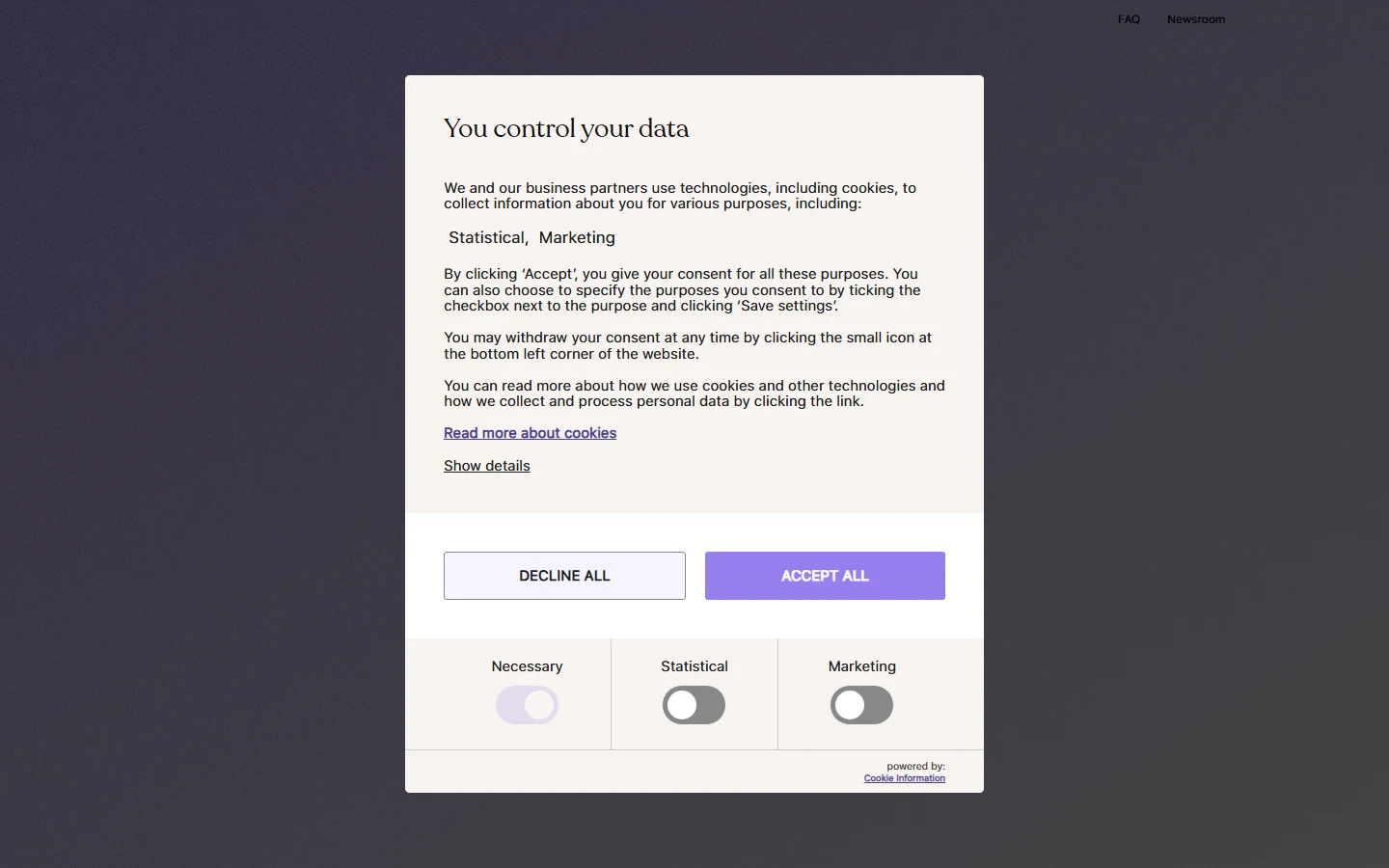
TickTick’s upgrade page lists Free at US$0 and Premium at US$49.99 per year (checked 2026-11-09). Its feature page lists Google Calendar integration and a focus timer. The comparison matrix lists habit tracking as partial on Free. (TickTick pages, checked 2026-11-09: https://ticktick.com/upgrade; https://ticktick.com/features.)
Best for: someone looking for a listed free plan and Google Calendar integration. TickTick’s free-plan habit feature is listed as partial. If those listed options answer your main requirements, TickTick is a reasonable alternative to place ahead of the first-ranked app. The price and feature listings describe the public pages checked for this roundup; check the linked pages for current terms. (TickTick pages, checked 2026-11-09: https://ticktick.com/upgrade and https://ticktick.com/features.)
4. Lunatask: free entry plan and task timers
Lunatask lists a Free plan and Premium at $6 per month, checked 2026-11-09. Its pricing page lists task timers on Free, calendar integrations on Premium and unlimited areas of life on Premium. (Lunatask pricing, checked 2026-11-09: https://lunatask.app/pricing.)
Best for: someone who wants task timers on a listed free plan and calendar integrations as a Premium feature. The listed calendar integration is part of Premium, so check the plan details if calendar support is the feature you need. Lunatask is an option to compare when the plan listing itself is part of your decision. These details reflect the page checked for this roundup, not a guarantee that terms have remained unchanged. (Lunatask pricing, checked 2026-11-09: https://lunatask.app/pricing.)
5. Sunsama: calendar sync and daily planning
Sunsama’s public page lists two-way sync with Google, Outlook and Apple calendars, a Pomodoro timer and weekly objectives (checked 2026-11-17: https://sunsama.com/). Its pricing page states, “There is no free-forever plan” (checked 2026-11-14: https://www.sunsama.com/pricing). For this roundup, that means a free-forever plan is not available according to that page.
Best for: someone who wants calendar sync as part of a daily planning workflow. If coordinating tasks with a calendar is your main criterion, Sunsama’s listed sync gives you a specific reason to compare it with MossyMind. If a free-forever option is a requirement, its pricing page says there is no free-forever plan (checked 2026-11-14). This comparison reports what the public pages list and does not claim either workflow will produce a particular outcome. (Sunsama homepage, checked 2026-11-17: https://sunsama.com/; pricing, checked 2026-11-14: https://www.sunsama.com/pricing.)
6. Amazing Marvin: task breakdown and configurable timers
Amazing Marvin lists task breakdown, projects and categories, habit tracking, goals, timers and gamification. Its feature page lists desktop apps for Windows and Mac. (Amazing Marvin pages, checked 2026-11-09: https://amazingmarvin.com/features; https://amazingmarvin.com/pricing.)
Amazing Marvin lists gamification, projects and categories, and customizable timer intervals. Best for: people comparing task breakdown, project organization and configurable timers. The listed features do not establish that one app is more effective; they let you narrow the choice by tools. (Amazing Marvin pages, checked 2026-11-09: https://amazingmarvin.com/features and https://amazingmarvin.com/pricing.)
Who it is for
MossyMind is the option to inspect if you want tasks, habits, goals, journaling and focus tools together, including editable next steps. Tiimo, TickTick, Lunatask and Sunsama are alternatives to compare when visual planning, a listed free plan, calendar connections or specific plan details carry more weight. Amazing Marvin is another option if listed task breakdown, projects, categories, configurable timers and gamification fit your selection criteria. This roundup does not assess age requirements, privacy safeguards for teens, or suitability for minors. Check each app’s current terms for details relevant to your choice. It also does not assess health outcomes or whether any product is appropriate as treatment; talk to a clinician about treatment questions.
A quick pick by need
- Choose MossyMind for editable next steps, a task-linked focus timer, habits, goals and journaling in one workspace. (MossyMind feature description, checked 2026-11-10: https://mossymind.me/.well-known/xt3-features.json.)
- Choose Tiimo if visual planning, time estimates, step-by-step plans or calendar sync in Tiimo Pro match what you want to compare. (Tiimo product page, checked 2026-11-09: https://www.tiimoapp.com/product.)
- Choose TickTick to compare a listed Free plan, Google Calendar integration and focus timer. (TickTick pages, checked 2026-11-09: https://ticktick.com/upgrade; https://ticktick.com/features.)
- Choose Lunatask to compare task timers on Free and calendar integrations on Premium. (Lunatask pricing, checked 2026-11-09: https://lunatask.app/pricing.)
- Choose Sunsama to compare its listed two-way calendar sync and Pomodoro timer; its pricing page says there is no free-forever plan (checked 2026-11-14). (Sunsama homepage, checked 2026-11-17: https://sunsama.com/; pricing, checked 2026-11-14: https://www.sunsama.com/pricing.)
- Choose Amazing Marvin to compare listed task breakdown, project organization, configurable timers and gamification. (Amazing Marvin pages, checked 2026-11-09: https://amazingmarvin.com/features; https://amazingmarvin.com/pricing.)
Before choosing, identify the feature you need most and compare it with the plan you expect to use. If calendar support is essential, look for a listing that names the integration and the tier that includes it. If price is your filter, review the pricing page for the plan and billing details currently offered. If starting tasks is your priority, compare how each product describes task steps or breakdown. These checks keep your shortlist tied to a concrete requirement rather than to a broad label. All rival information here reflects the linked pages and the dates stated alongside it; confirm current terms on those pages before deciding.
See MossyMind features and our practical planning guide to compare how these workflows run day to day.
Questions people ask
What is the best ADHD planner app?
There is no single pick for every workflow. MossyMind combines task steps, a task-linked timer, habits, goals and journaling in one workspace. Tiimo lists visual planning and calendar sync in Tiimo Pro. TickTick lists a free plan and Google Calendar integration. Choose based on the features and plan terms you want. (MossyMind feature description, checked 2026-11-10; Tiimo product page, checked 2026-11-09; TickTick pages, checked 2026-11-09.)
Which ADHD apps have a free plan?
TickTick and Lunatask list free plans in the pages checked for this roundup. Sunsama’s pricing page says, “There is no free-forever plan” (checked 2026-11-14). For other apps, check the linked pricing pages for current plan details.
Which planner has calendar sync?
The cited pages list calendar sync for Tiimo Pro, TickTick, Lunatask Premium and Sunsama. Check the linked product pages for current terms. (Tiimo product page, checked 2026-11-09; TickTick features, checked 2026-11-09; Lunatask pricing, checked 2026-11-09; Sunsama homepage, checked 2026-11-17.)
Which app offers task breakdown?
MossyMind lists three editable next steps through Unstick me, Tiimo lists AI step-by-step plans, and Amazing Marvin lists task breakdown. These describe listed product features, not health or treatment effects. (MossyMind feature description, checked 2026-11-10; Tiimo product page and Amazing Marvin features, checked 2026-11-09.)
What are the best ADHD apps for teens?
This comparison does not assess age requirements, teen privacy safeguards or suitability for minors. Check each app’s current terms for age and privacy information.
About this comparison: It covers features, plans, and prices only, taken from the public pages listed below on the dates we checked them. MossyMind makes one of the products compared.
Where we found these facts
Details about other products come from their own public pages. Wording, plans, and prices change, so check the vendor page before you decide.
- MossyMind feature description
Public page
- Tiimo product
Public page
- TickTick pricing
Public page
- TickTick features
Public page
- Lunatask pricing
Public page
- Sunsama homepage
Public page
- Sunsama pricing
Public page
- Amazing Marvin features
Public page
- Amazing Marvin pricing
Public page