When your task list stops feeling usable, you need a way back in, not another promise that a planner will fix your day. MossyMind and Lunatask bring several kinds of personal organization together, but they list different features and options.
How we compared them
We compared the listed task workflow, focus tools, combined planning features, platform options, calendar features, and prices. We ranked MossyMind first for a reader who wants its described Unstick me flow and tasks, habits, goals, journal and focus tools in one workspace. Lunatask's public pages list desktop and mobile apps, time blocking and calendar integrations, making it a reasonable option when those options lead your decision. (Lunatask pages checked November 9, 2026: https://lunatask.app/ and https://lunatask.app/pricing; MossyMind description checked November 10, 2026: https://mossymind.me/.well-known/xt3-features.json.)
Features and plans can change, so check the linked pages for current details.
Newer: Best ADHD Apps for Productivity: 6 Planner Picks, which covers this roundup compares six apps by the planning features each lists, so you can choose based on task steps, focus timers, calendar support and routines.
Ranking: choose by the kind of support you want from the workspace
- MossyMind — our first-ranked option for an editable task restart and combined task, habit, goal, journal and focus features. Its maintained description lists Unstick me with editable next steps and a five-minute focus start (checked November 10, 2026: https://mossymind.me/.well-known/xt3-features.json).
- 2. Lunatask — consider it if its listed desktop and mobile apps, time blocking, calendar integrations or Must/Should/Want method matter more to you. These features are listed on its public pages (checked November 9, 2026: https://lunatask.app/ and https://lunatask.app/pricing). Best for readers prioritizing those listed platform and planning options. Where it beats MossyMind: its reviewed pages list native desktop apps and calendar integrations; MossyMind's maintained description does not list those options (checked November 9 and 10, 2026, respectively).
| Feature | MossyMind | Lunatask |
|---|---|---|
| Calendar sync | — | ✓ (paid: Premium) |
| Focus timer | ✓ | ✓ |
| Habit tracking | ✓ | ✓ (paid: Premium) |
| Journal / daily notes | ✓ | ✓ |
| Mobile apps | — | ✓ |
| Time blocking / calendar | — | ✓ |
| Works offline | ✓ | — |
Competitor facts from their public pages, checked 2026-11-09 to 2026-11-10.
1. MossyMind: for a task-to-next-step workflow
MossyMind's maintained feature description lists a task restart flow called Unstick me. It turns a selected task into three editable next steps saved as ordinary tasks and offers a five-minute focus start (checked November 10, 2026: https://mossymind.me/.well-known/xt3-features.json). That is the feature basis for our first-place ranking under the criteria above, rather than a claim that we tested it against Lunatask.
The maintained description lists tasks, habits, goals, a journal and focus tools in the MossyMind workspace. It also says the focus timer can link to a task, with work sessions set from 1 to 180 minutes and breaks from 1 to 60 minutes. The same description lists offline access with later sync and an installable web app (checked November 10, 2026: https://mossymind.me/.well-known/xt3-features.json).
For optional external AI task breakdown, MossyMind's description says explicit consent is required to send the selected task title to XT3 and OpenAI. The AI feature is optional; these product details describe the stated data flow, not an independent privacy audit (checked November 10, 2026: https://mossymind.me/.well-known/xt3-features.json).
MossyMind lists an Android app in beta (checked November 10, 2026: https://mossymind.me/.well-known/xt3-features.json). If native desktop apps, calendar integrations or time blocking are priorities, Lunatask's public pages list those options (checked November 9, 2026: https://lunatask.app/ and https://lunatask.app/pricing).
2. Lunatask: listed platforms and time planning
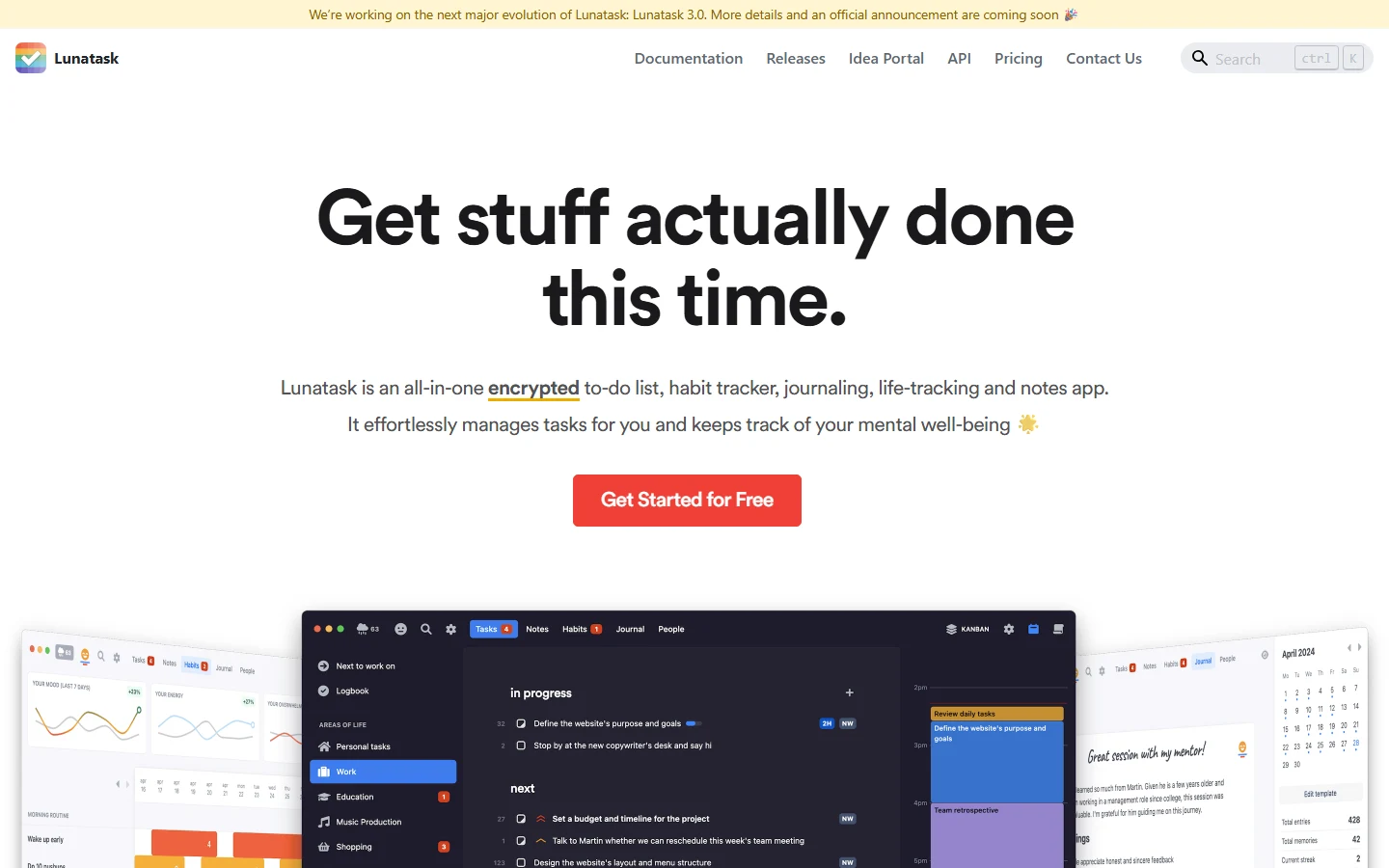
Lunatask's public pages list a Free plan, task timers, time blocking, notes and notebooks, reminder notifications, and apps for iOS, Android, Windows, macOS and Linux. Its pricing page lists calendar integrations and unlimited habits under Premium, along with unlimited areas of life and the Must/Should/Want method. These are features listed on its public pages, not findings from hands-on use (checked November 9, 2026: https://lunatask.app/ and https://lunatask.app/pricing).
Lunatask's listed options include native desktop and mobile apps, time blocking and Premium calendar integrations. Lunatask is a more direct fit if you are choosing specifically around its listed desktop apps, calendar options or time blocking. This is a neutral comparison of pages and descriptions, not a claim that one tool performs better (Lunatask checked November 9, 2026: https://lunatask.app/ and https://lunatask.app/pricing; MossyMind checked November 10, 2026: https://mossymind.me/.well-known/xt3-features.json).
Best for a reader who wants a listed free entry plan, the listed native desktop and mobile apps, and time blocking or calendar integration. Lunatask's pricing page lists Premium at $6 per month (checked November 9, 2026: https://lunatask.app/pricing).
Price: compare the billing shape, not just the monthly number
| Product | From (per month) | Free tier | Plans | Checked |
|---|---|---|---|---|
| MossyMind | not listed | — | — | — |
| Lunatask | $6 | yes | Free, Premium | 2026-11-09 |
Prices from public pricing pages on the dates shown.
Lunatask lists Free at $0 per month and Premium at $6 per month. MossyMind's maintained offer lists $20 per year or $40 once after the trial, with a 14-day refund period. Check the current offer before choosing, since plan details and trial terms may change (Lunatask: https://lunatask.app/pricing; MossyMind maintained offer, checked November 10, 2026).
If you want a listed free plan, Lunatask's pricing page is the place to check. If you prefer a one-time option, MossyMind's maintained offer lists $40 lifetime billing. Those are differences in listed billing formats, not a general judgment about value or what a particular plan will cost you over time (checked November 9, 2026: https://lunatask.app/pricing; MossyMind maintained offer checked November 10, 2026).
Who it is for
MossyMind fits if you want the described task restart with editable next steps, a five-minute focus start, and tasks, habits, goals and journaling in one workspace (checked November 10, 2026: https://mossymind.me/.well-known/xt3-features.json). Lunatask fits your feature checklist if you prioritize its listed platform and calendar options, or its Free plan (checked November 9, 2026: https://lunatask.app/ and https://lunatask.app/pricing). Choose based on which listed features and billing options match your routine; this is a software-feature comparison, not a health recommendation.
FAQ
See MossyMind features and our practical planning guide to compare how these workflows run day to day.
Questions people ask
Can I use either app without paying?
Lunatask lists a Free plan at $0 per month on its pricing page (checked November 9, 2026: https://lunatask.app/pricing). MossyMind's maintained offer lists paid annual or one-time billing after a trial, not a free tier (checked November 10, 2026: maintained offer). Check the current offer before choosing.
Which has a task restart with tiny steps?
MossyMind's maintained feature description lists Unstick me, which turns a selected task into three editable next steps saved as tasks, with a five-minute focus start (checked November 10, 2026: https://mossymind.me/.well-known/xt3-features.json).
Does MossyMind have a mobile app?
MossyMind's maintained product description lists an Android app in beta (checked November 10, 2026: https://mossymind.me/.well-known/xt3-features.json).
About this comparison: It covers features, plans, and prices only, taken from the public pages listed below on the dates we checked them. MossyMind makes one of the products compared.
Where we found these facts
Details about other products come from their own public pages. Wording, plans, and prices change, so check the vendor page before you decide.
- MossyMind maintained feature description
Public page
- MossyMind
Public page
- Lunatask homepage
Public page
- Lunatask pricing
Public page